
Find and print help
Find the guide you need, search the guides, get help with the page you are on, and print a guide.
Member guide.
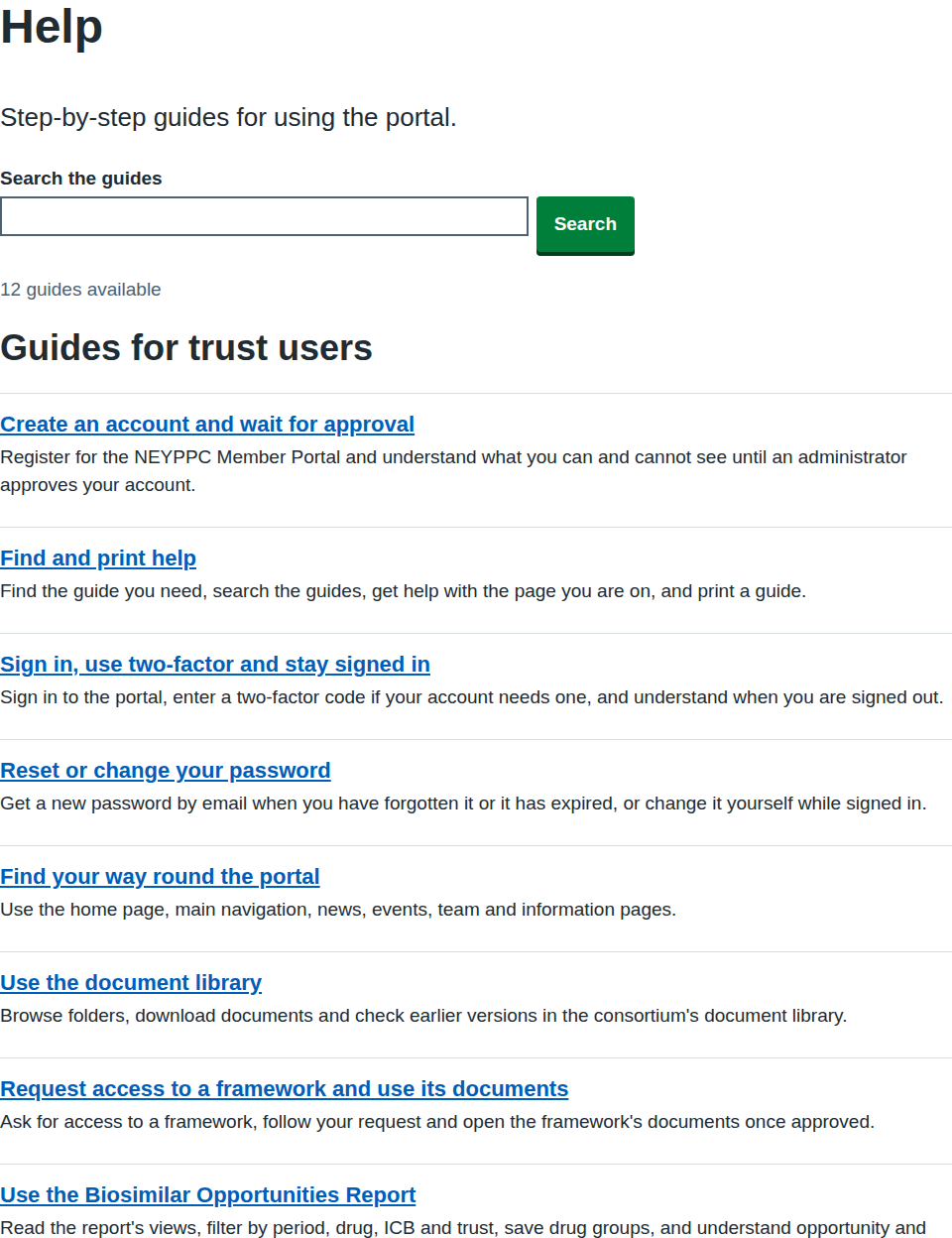
Anyone can use Help, signed in or not. You see the guides written for your kind of account. If you are not signed in, you see only the guides for visitors.
Find a guide
- Select Help in the main navigation.
- Look under the heading for your kind of account. Each guide has a title and a short summary.
- Select the title of the guide you want.
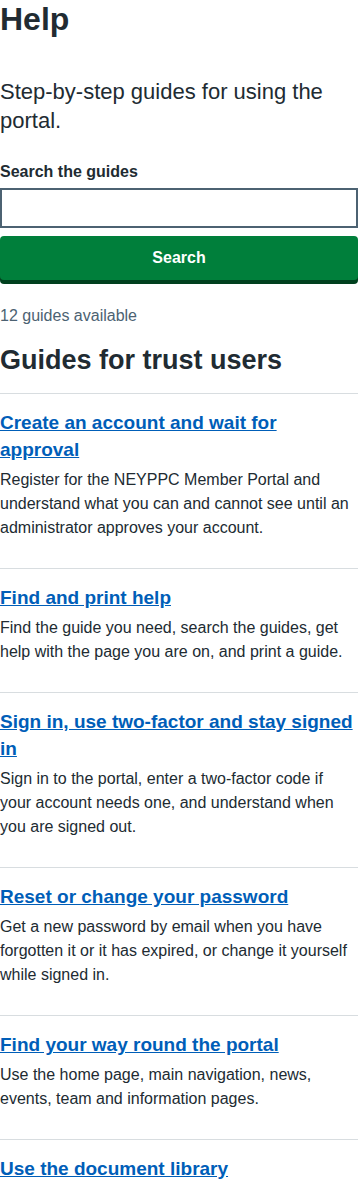
On a phone the page works the same way and the list fits the width of your screen.
Get help with the page you are on
Some pages have a guide of their own. When one does, a Help with this page link appears at the top right of the page, above its heading. Select it to open the guide, at the section about that page where there is one.
If the link is not there, no guide covers that page yet. Use Help in the main navigation to look through all the guides.
Search the guides
- Select Help in the main navigation.
- Type a few words in Search the guides, for example
report. - Select Search, or just keep typing: the list narrows as you type.
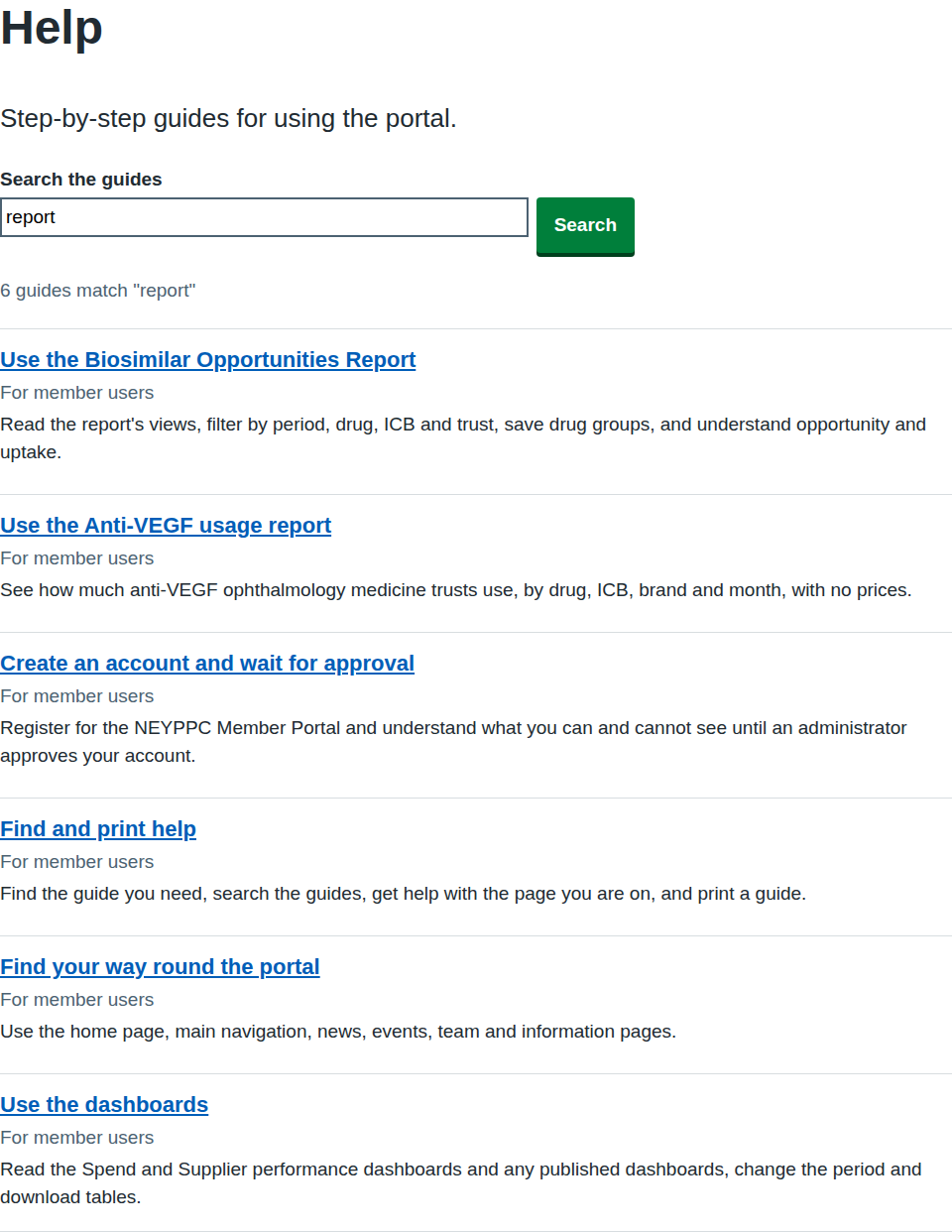
The search looks at the titles, summaries, headings and text of the guides you can see. A guide has to contain every word you type. Guides with your words in the title come first.
If you see "There are no guides for that search", try fewer or different words. Select see every guide to start again.
Read a guide
Each guide starts with a short summary. Longer guides have an On this page list: select a heading to jump to that section. Guides use the same sections where they fit: before you start, the steps, what happens next, and what to do if something goes wrong.
Print a guide
- Open the guide.
- Select Print this guide, or use your browser's print command.
- Choose your printer, or choose to save as a PDF.
The printout leaves out the header, the navigation and the footer, and keeps the screenshots and the text. The Print this guide link appears only when your browser is running scripts; the browser's own print command always works.
If something goes wrong
| What you see | What it means and what to do |
|---|---|
| "Page not found" when you open a guide | The guide does not exist, or it is written for a different kind of account. Go to Help to see the guides you can open. If you expected to see it, you may need to sign in. |
| "There are no guides for that search" | No guide you can see contains all your words. Try fewer or different words. |
| No Help with this page link | No guide covers that page yet. Use Help in the main navigation. |