Contact the consortium
Send a message to the consortium team from the portal.
Member guide.
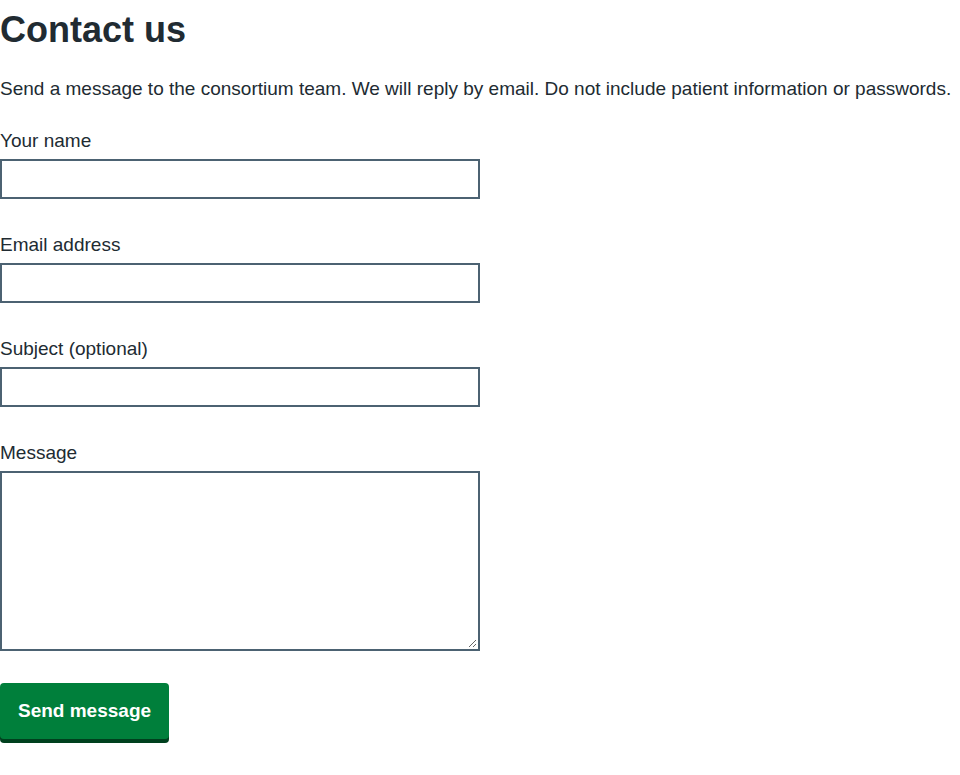
Use the contact form for questions about the portal, your account or the consortium's work.
Who can do this: anyone. You do not need to sign in, which means you can use it if you cannot sign in.
Before you start
- Do not include patient information or passwords. The page reminds you of this.
- The form does not fill in your details, even when you are signed in, so give an email address the team can reply to.
Send a message
- Select Contact us in the page footer.
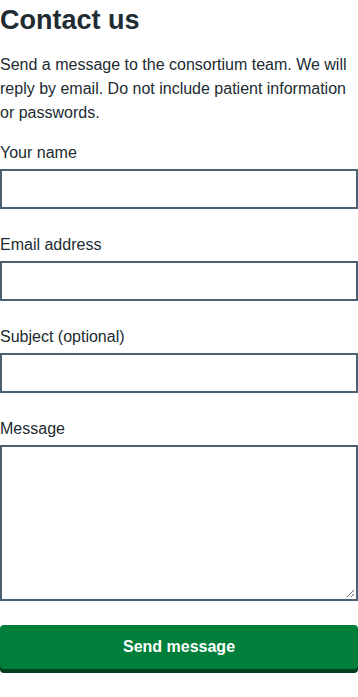
- Enter Your name.
- Enter your Email address.
- Optionally, enter a Subject (optional).
- Enter your Message. It can be up to 5,000 characters.
- Select Send message.
What happens next
The page shows Message sent: "We have received your message and will reply by email." The team replies to the email address you entered. Select Go to the home page to carry on.
To protect the team from automated spam, you can send only a few messages in an hour.
If something goes wrong
| Message on screen | What it means and what to do |
|---|---|
| Enter your name | Your name is empty. |
| Name must be 200 characters or fewer | Shorten the name. |
| Enter your email address | Email address is empty. |
| Enter an email address in the correct format, like name@nhs.net | The address is missing the @ or the domain. |
| Subject must be 200 characters or fewer | Shorten the subject. |
| Enter your message | Message is empty. |
| Message must be 5,000 characters or fewer | Shorten the message, or split it. |
| You have sent several messages recently. Try again in an hour. | The limit on messages was reached. Wait an hour. |
| The contact form is not available at the moment. Try again later. | No team inbox is set up to receive messages right now. Try again later. |
| Something went wrong on our side. Try again in a few minutes. | A temporary fault. Wait and try again. |